

Township mod apk v40.1.0 brings a different approach to Playrix's popular farming and city-building game, where every crop, factory order, and construction project contributes to your growing town. The modified package is labeled Unlimited Money and Unlimited Cash, two features that sound especially appealing when production timers and expensive buildings slow your progress. However, these currency modifications haven't been independently verified against Township's online systems.
This 368 MB package requires Android 5.1 or newer and carries an October 30, 2026 update date. Township combines farming, factory production, residential development, mining, zoo management, and community activities. The precise changes in v40.1.0 aren't confirmed, and modified currency balances aren't guaranteed to work. For reliable progress and account protection, the official Google Play version remains the safer choice.
Township APK Info
| App name | Township |
|---|---|
| Latest version | 40.1.0 |
| File size | 368 MB |
| Requires | Android 5.1+ |
| Developer | Playrix |
| Genre | Casual |
| MOD features | Unlimited Money/Unlimited Cash |
| Installs | 500M+ |
| Updated | Oct 30, 2026 |
| Google Play | com.playrix.township |

What is Township MOD APK?
Township MOD APK is a modified Android edition of Playrix's farming and city-building game. Players grow crops, manufacture goods, construct buildings, and expand their towns while managing coins and Township Cash. Version v40.1.0 is labeled Unlimited Money and Unlimited Cash, although those currency modifications haven't been independently verified.
Township stands out because it combines two familiar game styles.
You manage farmland where crops grow and animals produce ingredients. At the same time, you develop a town filled with homes, factories, community buildings, and decorations.
These systems depend on one another.
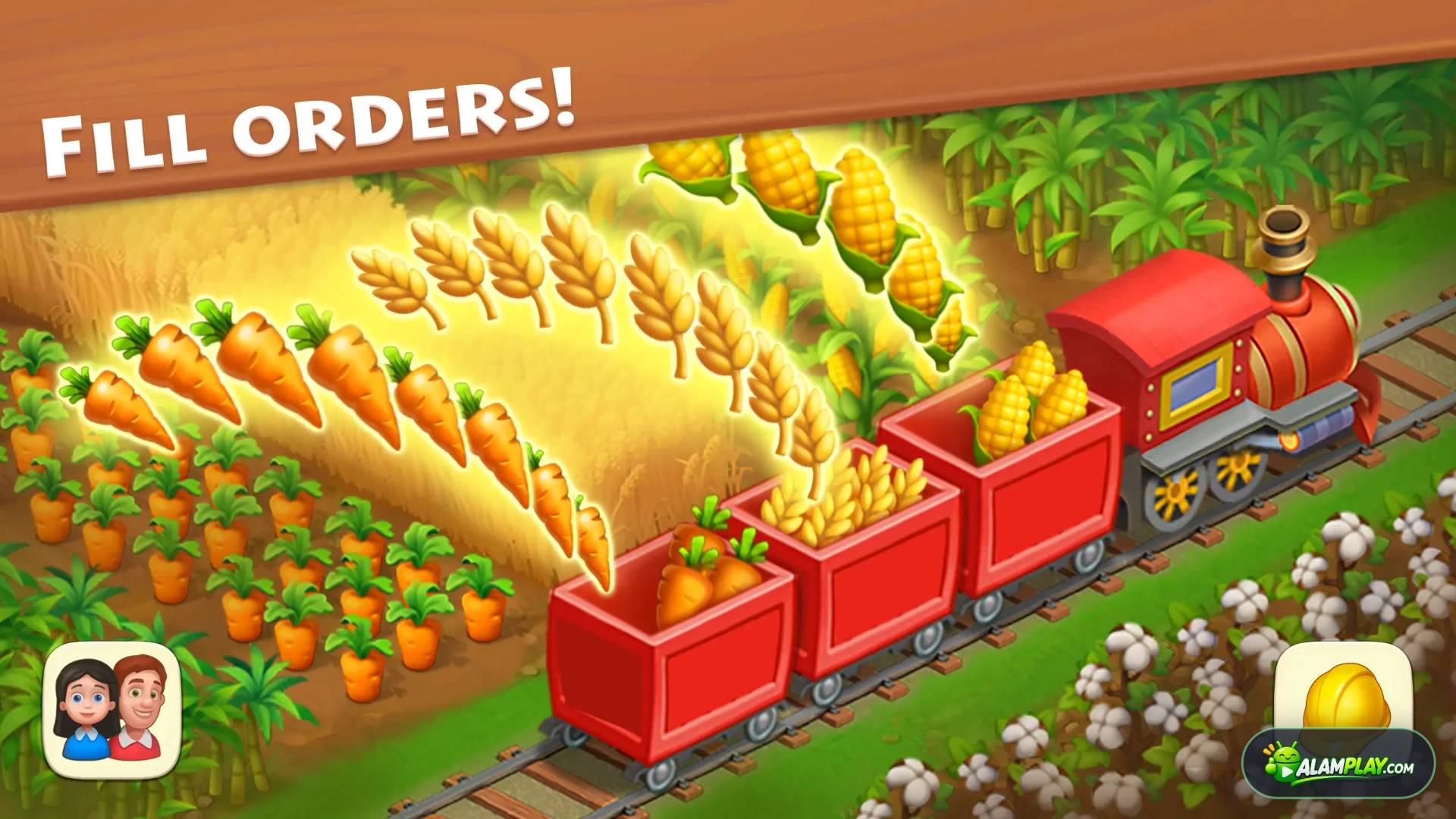
Wheat grown in your fields can become an ingredient for factory production. Factory goods help complete orders, while successful deliveries contribute resources toward further development.
As your town expands, you'll need to think carefully about what to build next.
A new factory increases production possibilities, but construction consumes valuable coins. Additional residential buildings support town growth, while community structures help you meet development requirements.
The game gradually transforms a small settlement into a much larger community.
Why Township keeps players returning
Township gives you several reasons to check your town throughout the day.
Crops finish growing, factory goods become ready, and customer orders create new goals.
There is usually something useful to do, even during short sessions.
The game also rewards longer-term planning. Expanding your town takes time, and choosing which resources to collect can influence how smoothly you progress.
Unlike a traditional farming simulator, Township doesn't focus exclusively on agriculture.
Mining introduces resource exploration, the zoo provides another development activity, and trading systems create additional ways to obtain goods.
This variety keeps the town-building experience from becoming a repetitive cycle of planting and harvesting.
Township game for Android
Township is developed by Playrix and belongs to the casual simulation category.
The game has surpassed 500 million Google Play installs and has a recorded Google Play rating of 4.8.
Its appeal comes from accessible controls and a progression system that doesn't require mastering complicated combat mechanics.
You can enjoy organizing your town, completing production tasks, or decorating different areas.
However, progress requires resource management.
Even when you're primarily interested in building an attractive town, factories and deliveries remain important because they support construction.
What the MOD changes
The modified package identifies two primary changes: Unlimited Money and Unlimited Cash.
These labels refer to Township's currency systems.
Coins support many ordinary construction and development activities, while Township Cash is a premium currency associated with certain purchases and conveniences.
The distinction matters because the currencies serve different purposes.
A player with plenty of coins can still encounter limitations involving production time, materials, population requirements, or other progression conditions.
Likewise, additional Township Cash wouldn't automatically complete every task.
Unlimited Money and town development
Unlimited Money suggests that the modified application attempts to remove ordinary currency restrictions.
For a city-building game, that sounds useful.
Construction expenses can limit how quickly you develop factories, community buildings, and other town facilities.
However, the modification shouldn't be treated as confirmed unlimited coins.
Township uses online services, and account-related currency changes can depend on server validation.
A locally altered balance isn't necessarily accepted by the game's servers.
Even if a currency modification works in a particular situation, other gameplay requirements can still prevent immediate construction.
Unlimited Cash and production timers
Township Cash is particularly valuable because it can provide access to premium conveniences.
In normal gameplay, spending it without planning can leave you short when a more important opportunity appears.
The Unlimited Cash label suggests an attempt to change this limitation.
It doesn't establish that premium purchases are unrestricted or that the displayed amount will remain synchronized with your account.
A modified value shown on screen can differ from the value recognized by online services.
This is one reason to avoid relying on unofficial currency modifications for long-term progression.
Farming and building features
The package also describes agricultural production, factories, town construction, zoo management, mining, international trade, and community interactions.
These are Township gameplay systems, not separately verified MOD functions.
You can already grow crops, process materials, expand your settlement, and participate in these activities through the original game.
| Feature | Original game | MOD APK |
|---|---|---|
| Coins | Earned through normal gameplay | Unlimited Money label |
| Township Cash | Obtained through legitimate game systems | Unlimited Cash label |
| Crop production | Normal growing requirements | Same farming system |
| Factories | Production and upgrade requirements | Same core production gameplay |
| Town construction | Uses resources and progression requirements | Currency changes claimed |
| Zoo management | Regular collection and development | No verified extra modifications |
| Mining | Normal exploration mechanics | No confirmed mining changes |
| Trading | Standard exchange and delivery systems | No verified trading advantages |
| Updates | Official Playrix releases | Third-party package maintenance |
| Account security | Official supported client | Additional modification risks |
The biggest limitation is uncertainty surrounding online currency validation.
A modified APK can display impressive claims without delivering the corresponding account-level benefits.
Gameplay tips that actually help
Successful Township development depends on coordinating farming, factory production, and construction rather than focusing on a single activity.
- Keep essential crops available: Short-growing crops such as wheat can support repeated production tasks. Maintain useful supplies so you don't constantly interrupt factory work to grow basic ingredients.
- Plan factory queues: Check which products require long preparation times and schedule them before leaving the game. This helps keep production moving while you're away.
- Complete practical orders: Don't automatically fill every request. Compare the required goods with the rewards and prioritize orders that support your current development goals.
- Manage barn storage: An overcrowded barn makes collecting new materials difficult. Use surplus goods productively and avoid keeping excessive quantities of items you rarely need.
- Expand with a purpose: Before clearing another area, decide whether you need space for a factory, residential building, or community facility. Random expansion can consume resources without improving progression.
- Save Township Cash: Avoid spending premium currency on every small delay. Preserve it for benefits that provide better long-term value.
Township best way to make money
The most reliable approach to earning coins is maintaining efficient production and completing worthwhile orders.
Start by keeping your fields productive.
Crops provide ingredients for factories, and factory products help generate rewards through normal gameplay activities.
Train yourself to identify production bottlenecks.
If several orders require the same ingredient, prepare that ingredient before filling your factory queues.
Avoid using valuable resources to finish low-priority tasks when they are needed for an important upgrade.
Coins become more useful when you spend them strategically rather than immediately.
Township how to level up fast
Experience points contribute to leveling up, but fast leveling isn't always the best strategy.
Higher levels can introduce additional buildings and production requirements.
If your factories, storage, and resource production fall behind, unlocking more content can make your town harder to manage.
Complete suitable orders and development tasks while maintaining balanced production.
Focus on sustainable progress.
A town with enough storage and productive factories is often more enjoyable than one with a higher level but constant resource shortages.
What's new in v40.1.0
Township v40.1.0 has a recorded update date of October 30, 2026.
The identified package is 368 MB and requires Android 5.1 or newer.
It uses the package identifier com.playrix.township.
The modified edition carries Unlimited Money and Unlimited Cash labels.
Earlier versions identified for the download page include v39.1.2 and v39.0.3.
However, no verified changelog establishes which features, events, decorations, or technical improvements were introduced specifically in v40.1.0.
Township update 2026
Township receives changes through its ongoing game development and event systems.
Updates can affect gameplay activities, seasonal content, compatibility, and other parts of the experience.
For players searching township new update, it's important to distinguish confirmed official changes from features advertised by modified packages.
The version number alone doesn't prove that a particular event or building was introduced.
If you're comparing a township new version apk download with your existing installation, check the current official release.
Modified applications can become incompatible when online services require newer client versions.
Township update needed problem
An update-required message often means the installed client is no longer compatible with the version expected by the game's online services.
This can happen after an official update.
A third-party APK might continue displaying an older version even when the server requires a newer one.
Restarting the phone won't necessarily resolve that mismatch.
If you encounter a township update needed problem, check the current official version through Google Play.
Avoid replacing a functioning official installation with an unverified package merely because it claims to provide the township latest version.
Township download latest version
For anyone searching township update today or township download latest version, official distribution is the most dependable place to confirm availability.
A third-party version number should not be treated as independent proof that a build is current.
The same applies to township apk version comparisons.
Two packages with identical version labels can contain different modifications or signing information.
A newer number doesn't automatically mean a safer or more reliable application.
Beginner mistakes and the best upgrade order
Township rewards patience, but planning your development properly can prevent unnecessary waiting.
The most common beginner mistake is treating every newly available purchase as an immediate priority.
A better approach is to develop systems that support each other.
- Build a reliable farming routine. Keep your fields active and grow crops needed for current production. Consistent agricultural output supports factories and orders.
- Improve factory efficiency. Learn which products take longer to prepare and organize your queues accordingly. Avoid leaving factories idle when you have enough ingredients.
- Manage barn capacity. Storage shortages can interrupt almost every activity. Prioritize appropriate storage improvements when capacity becomes a persistent problem.
- Develop essential town buildings. Follow population and construction requirements rather than purchasing decorations before important facilities are ready.
- Use orders strategically. Complete deliveries that provide useful rewards without exhausting ingredients needed for more valuable activities.
- Save premium currency. Spend Township Cash selectively. Shortening every waiting period can consume currency without creating lasting value.
- Prepare for events and cooperative activities. Keep useful resources available so you can participate without abandoning your normal production routine.
The objective isn't simply to build the largest town as quickly as possible.
It's to create a town that can support continued development without constant shortages.
Township Cash spending priorities
Premium currency is most valuable when it solves recurring limitations.
Before spending, ask whether the benefit will remain useful or disappear after one action.
A temporary reduction in waiting time can be convenient.
However, spending currency every time a production timer appears creates an expensive habit.
Consider whether waiting, preparing goods earlier, or reorganizing production could solve the same problem.
For players who don't purchase premium currency, patience is a major advantage.
Legitimate gameplay rewards can provide opportunities to collect Township Cash without relying on modified balances.
Township mining and zoo development
Mining adds another activity outside ordinary farming and production.
It allows players to explore underground areas and collect useful materials and artifacts.
Because mining resources can be limited, avoid using tools carelessly.
Plan exploration around your available supplies and objectives.
Zoo management offers a different type of progression.
Collecting animals and developing enclosures can make your town feel more varied.
However, zoo development shouldn't prevent you from meeting essential town-building requirements.
Balance optional attractions with the infrastructure that keeps your settlement growing.
township mod apk vs the original game
The original Township provides a supported progression system built around farming, production, and town development.
The modified edition attempts to change its currency limitations.
| Comparison | Original Township | Township MOD APK |
|---|---|---|
| Developer | Playrix | Third-party modified package |
| Farming | Standard crop production | Same core farming mechanics |
| Factories | Normal production requirements | Same production systems |
| Coins | Earned and spent normally | Unlimited Money claimed |
| Township Cash | Official currency system | Unlimited Cash claimed |
| Town expansion | Progression-based requirements | No verified removal of requirements |
| Multiplayer | Official supported gameplay | Possible compatibility issues |
| Updates | Google Play releases | Third-party maintenance |
| Security | Official distribution | Unverified modification risks |
| Account reliability | Supported progression | Additional account risks |
For most players, the original game is the better choice.
Township rewards long-term planning, and legitimate progress provides a dependable foundation for expanding your settlement.
The MOD edition is aimed at players interested in unofficial currency modifications. However, its advertised unlimited balances shouldn't be accepted as verified functionality.
Township offline or online?
Township includes activities that can continue progressing while you're away, but that doesn't make it a completely offline game.
Some local activities can behave differently depending on the version and current connection state.
Online services are important for account synchronization, social functions, events, and other connected features.
If you're searching township offline game download, don't assume an APK automatically provides unrestricted offline access.
A modified package doesn't remove every online requirement.
The distinction is especially important for players who want dependable progress across multiple devices.
Township APK for Android
Township v40.1.0 requires Android 5.1 or newer.
That makes compatibility dependent on your actual Android version, not simply the age or brand of your phone.
The package is 368 MB, but installation requires additional storage for application data and updates.
For township download for android or township apk download android searches, verify both operating-system compatibility and available storage.
The official Google Play release is preferable because it provides device-specific compatibility information.
Common problems and quick fixes
Several problems can prevent Township from opening or running correctly.
- App not installed: Check Android 5.1+ compatibility, available internal storage, and potential signing conflicts with an existing installation.
- Parse error: The package may be corrupted, incomplete, or incompatible with your device. Confirm the file's integrity and use a trusted official version.
- Crash on launch: Restart the phone, close unnecessary applications, and compare behavior with the official Township client.
- Black screen: Check your graphics compatibility and network connection. If the official version works but the MOD fails, the modified build may be incompatible.
- Stuck on loading: Verify service availability and your internet connection. An outdated client can fail during online synchronization.
- Missing progress or login issues: Confirm your game account and recovery options through official channels before replacing an installation.
What to do before updating
Your town represents hours of production, construction, and resource management.
Protecting that progress should be the first priority.
Confirm that your game is associated with a supported account or recovery method.
Check whether your current version has successfully synchronized.
Avoid deleting an existing installation until you are confident that progress can be recovered.
Modified applications can introduce complications with signing certificates and account synchronization.
When reliability matters, use the official application.
Performance, battery and storage tips
Township includes animated buildings, production interfaces, decorations, and a gradually expanding town map.
As your settlement grows, the game can become more demanding.
Performance depends on device memory, available storage, graphics capability, and the complexity of your town.
Settings for low-end Android phones
The identified APK is 368 MB.
Keep additional storage available for normal application data and updates.
Close unnecessary background applications when Township becomes slow.
If the game offers visual or performance settings, favor smoother interaction over higher detail.
Avoid running several demanding applications while playing.
Long sessions can also cause some devices to heat up, which may reduce performance.
Settings for high-end phones
More powerful phones can handle larger town views and animations more comfortably.
However, higher hardware capability doesn't prevent network-related loading problems.
Use a stable internet connection when participating in connected activities.
Reduce screen brightness during long sessions if battery consumption becomes noticeable.
Remember that modified currency settings don't improve rendering performance.
Township map organization
A well-organized town isn't just visually appealing.
Grouping related buildings can make it easier to locate production facilities and manage your daily routine.
Keep frequently accessed buildings easy to find.
Use decorations to create attractive areas without hiding important production structures.
When expanding your township map, consider future development rather than filling every available space immediately.
A little unused space can make later rearrangement easier.
Pros and cons
Pros
- Combines farming and city-building activities.
- Factory production creates meaningful resource-management decisions.
- Town customization provides creative freedom.
- Zoo management and mining add gameplay variety.
- Community activities support continued progression.
- MOD edition carries Unlimited Money and Unlimited Cash labels.
Cons
- Unlimited currency functionality isn't independently verified.
- Production timers can slow ordinary progression.
- Storage management requires regular attention.
- The 368 MB package needs additional installation space.
- Modified applications introduce security concerns.
- Online updates can make older MOD versions incompatible.
- Unauthorized modifications can risk account restrictions.
Is it safe?
The official Google Play version is the safer choice.
Township is developed by Playrix, while a modified APK contains changes outside the developer's normal distribution process.
Those changes can affect security, compatibility, and account reliability.
Even when the visible modification concerns only currency, the package may contain additional code that isn't obvious from its description.
The identifier com.playrix.township doesn't prove that a particular APK is authentic.
A responsible security review should verify the precise file's digital signature, cryptographic hash, and malware scan results.
This specific modified package has not been independently security-verified.
Six download mirrors are identified, but their availability and safety haven't been confirmed.
Multiple mirrors don't guarantee that every server provides an identical or trustworthy file.
Avoid download pages that request unrelated permissions or account credentials.
Protect your town progress
Township progress can become valuable after weeks or months of development.
Before changing versions, verify your supported account recovery options.
Keep access to the credentials associated with your game.
If your progress hasn't synchronized properly, replacing the application could create recovery problems.
Unauthorized modifications can also violate the game's rules.
Using modified currency in connected gameplay can result in account-related consequences.
A separate account doesn't eliminate security risks or make prohibited modifications acceptable.
Who should use the original game?
The original Township is the recommended choice for players who care about long-term development.
It provides official updates, supported account synchronization, and legitimate currency systems.
The MOD edition is mainly relevant to users researching unofficial changes.
Its Unlimited Money and Unlimited Cash labels aren't enough to prove that those features work consistently or safely.
Frequently Asked Questions
How do I get Township Cash?
You can obtain Township Cash through legitimate in-game reward opportunities and official purchase systems. Availability varies by activity and event, so check the current game interface rather than relying on websites promising unlimited balances.
Is Township like the ads?
Partly. Township contains farming, construction, and casual activities, but its main gameplay focuses on developing a town through production and resource management. Promotional mini-games don't necessarily represent the entire experience.
Can you play Township offline?
Not completely. Some activities may remain accessible without a continuous connection, but synchronization, social features, events, and other connected systems rely on online services.
What is the best way to play Township?
Start by growing essential crops, keeping factories productive, completing useful orders, and managing barn capacity. Expand your town gradually and save premium currency for meaningful benefits.
Is Township a good game?
Yes, Township is a strong choice for players who enjoy casual farming, production planning, and city-building. Its biggest limitation is that timers and resource requirements can make progression feel slow.
Are Township cheat codes available?
There is no verified universal code system that grants unlimited coins or Township Cash. Avoid third-party pages promising automatic currency rewards or asking for your account credentials.
What is the latest version of Township?
The latest version of Township on AlamPlay is 40.1.0 (368 MB), updated on Oct 30, 2026. This page is refreshed whenever a new build is released.
Which Android version does Township need?
Township 40.1.0 needs Android 5.1 or newer. Older phones may install it but performance and stability are not guaranteed.
Final verdict
Township mod apk v40.1.0 combines Playrix's farming and city-building experience with advertised Unlimited Money and Unlimited Cash modifications, although those currency changes remain unverified. For stable updates, secure progress, and dependable town development, I recommend the official Township application.
township mod apk Features
- Unlimited Money
- Unlimited Cash
- Agricultural production: Grow different crops and use them as ingredients for various factory products.
- Factories and facilities: Build production centers to process materials and prepare goods for customer orders.
- Town construction: Unlock residential areas, public buildings, shops, and entertainment venues as your settlement expands.
- Zoo management: Collect animals and develop enclosures to create a lively attraction for visitors.
- Mining and exploration: Explore the mine to gather valuable resources and search for hidden artifacts.
- International trade: Use available trading features to obtain goods and resources from distant locations.
- Community interactions: Meet cheerful residents, complete their requests, and earn useful rewards to support your progress.
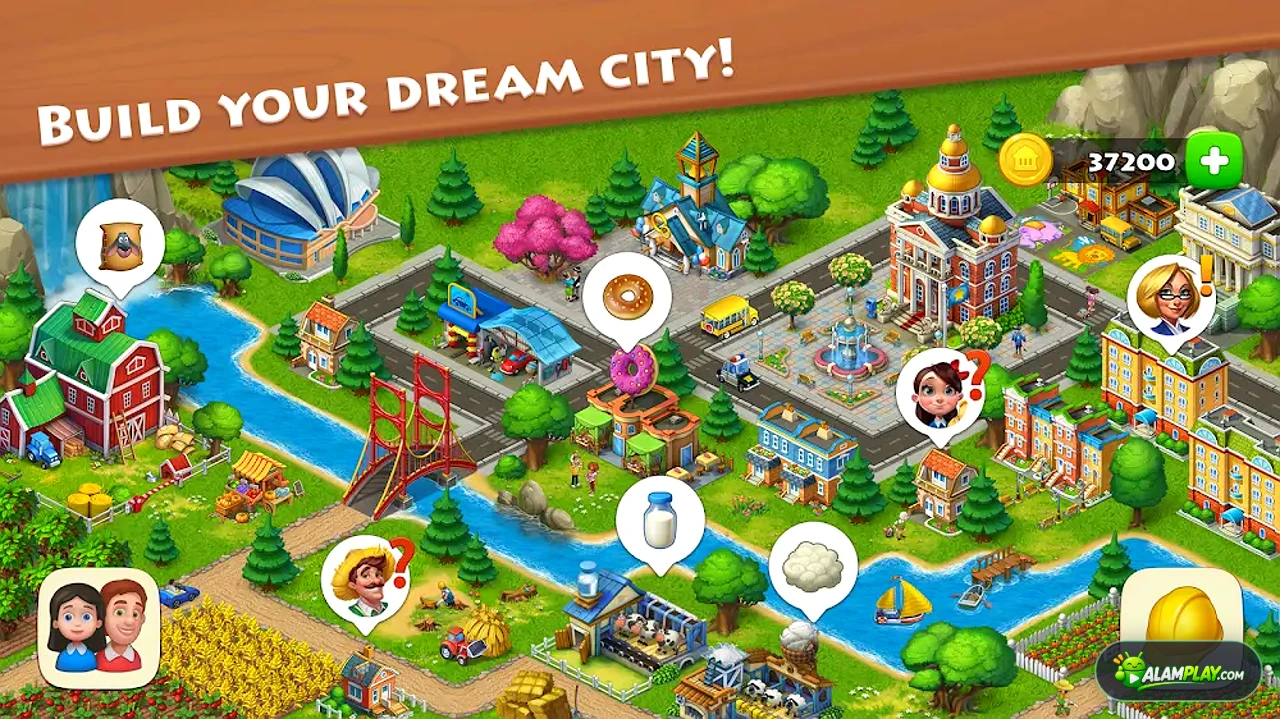
Township Screenshots
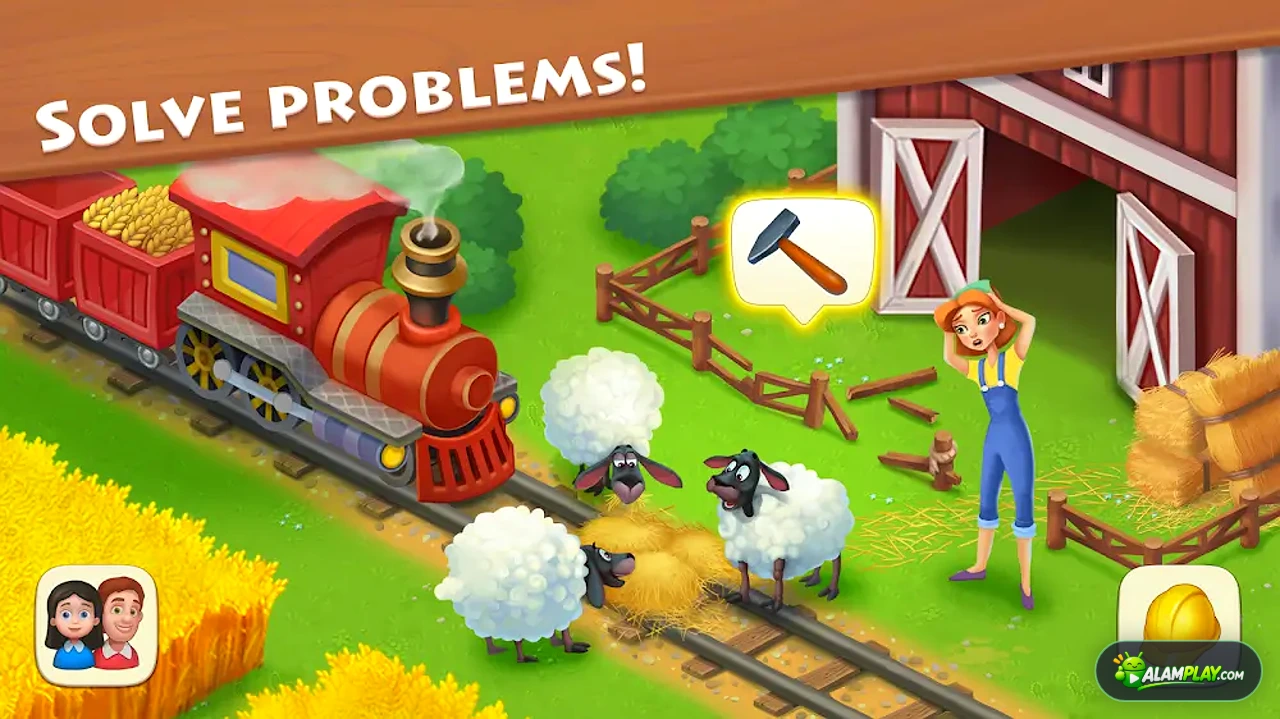
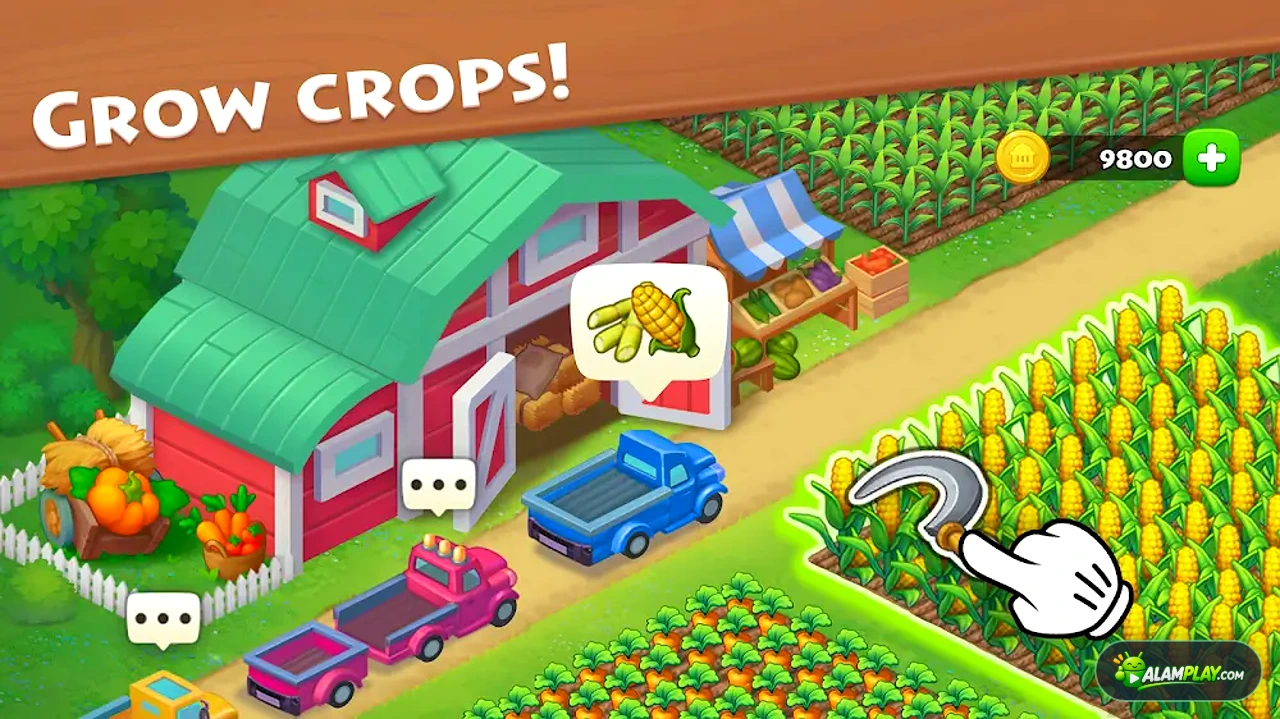
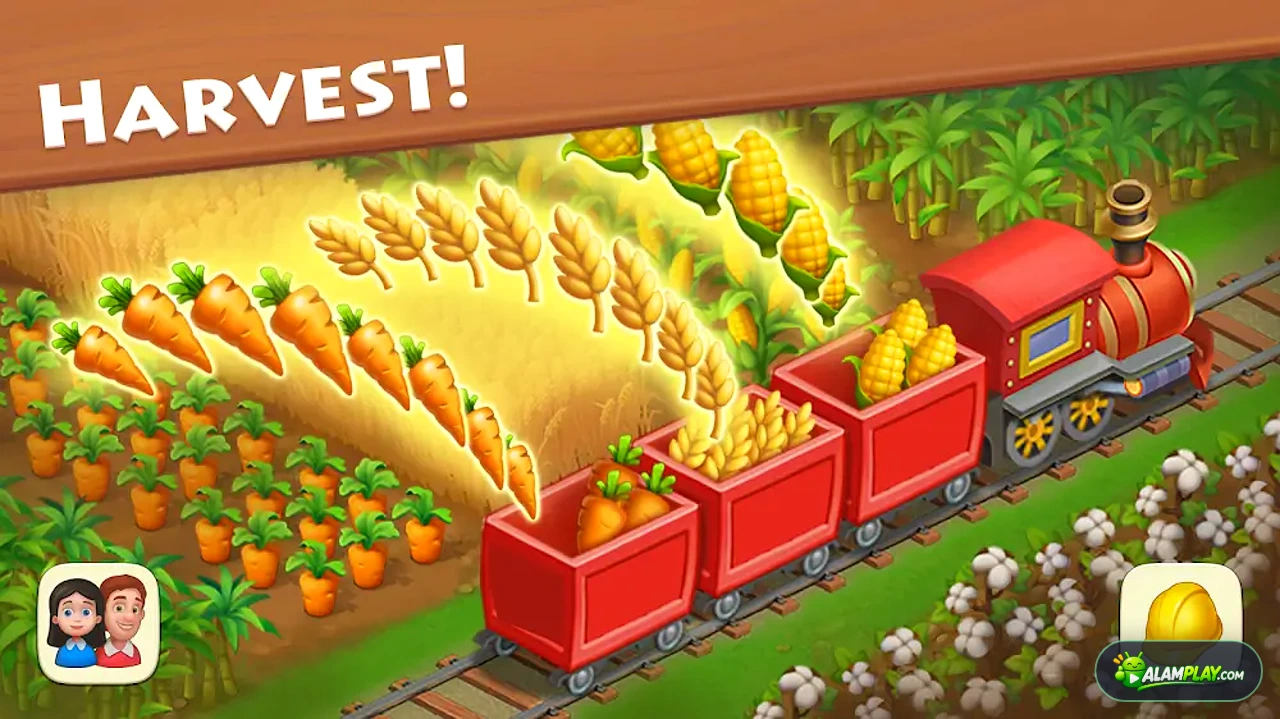
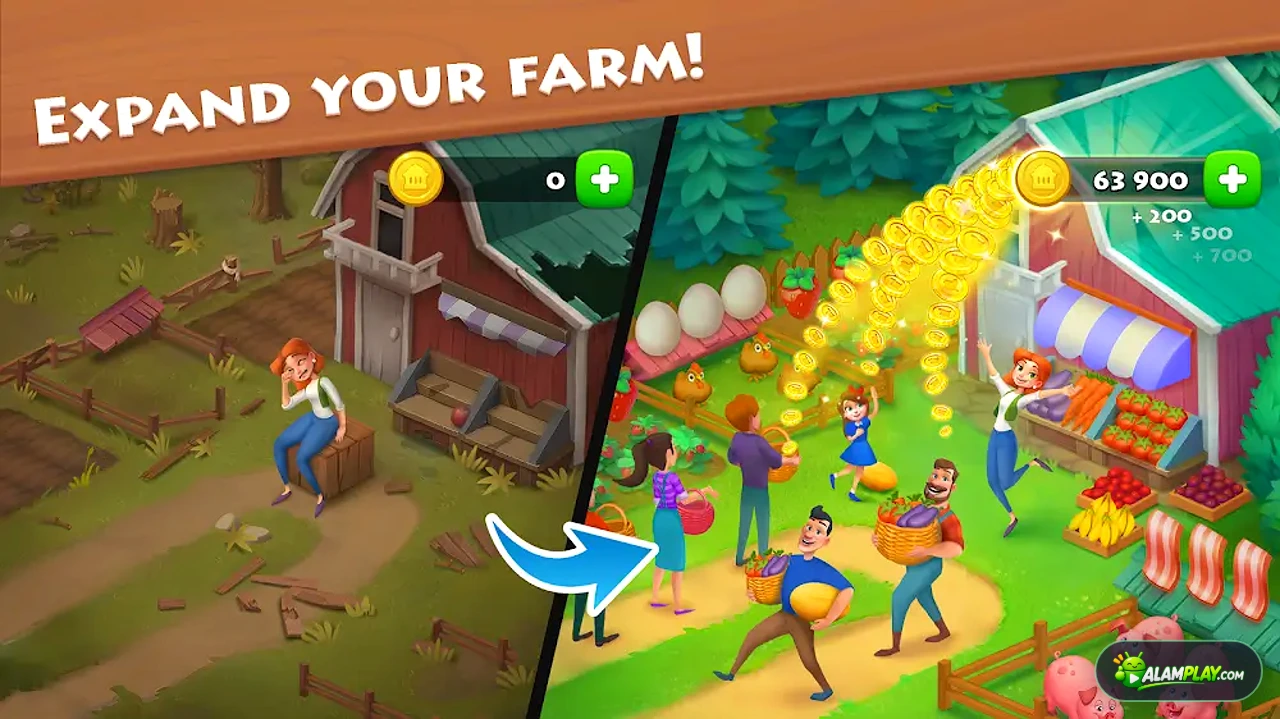
township mod apk: Complete Guide
This guide covers everything about township mod apk: what the modified build changes, how it compares to the store edition of Township, the phone you need and how to install v40.1.0 safely. The original game is made by Playrix.
Players choose township mod apk because it removes the slow parts of Township while keeping the fun parts intact. You download 368 MB, install it like any APK and start playing in a few minutes. Township counts 500M+ installs on Google Play, which shows how popular the game is.
township mod apk – Key Facts
- township mod apk version: v40.1.0
- township mod apk file size: 368 MB
- township mod apk developer: Playrix
- township mod apk requires Android 5.1+ or newer
- township mod apk price: free download
- township mod apk root needed: no
- township mod apk updates: refreshed on every new release
- township mod apk features: Unlimited Money, Unlimited Cash, Agricultural production: Grow different crops and use them as ingredients for various factory products., Factories and facilities: Build production centers to process materials and prepare goods for customer orders., Town construction: Unlock residential areas, public buildings, shops, and entertainment venues as your settlement expands., Zoo management: Collect animals and develop enclosures to create a lively attraction for visitors.
Final Verdict
Township is a great way to enjoy Township with Unlimited Money, Unlimited Cash, Agricultural production: Grow different crops and use them as ingredients for various factory products.. Download v40.1.0 (368 MB), follow the install steps above and bookmark this page — it is updated with every new release.
Prefer the official edition? Get the original game from Township on Google Play.
Browse more games in our MOD APK library.
How to Download and Install township mod apk
- Open the download page
Tap Download Township. The download page opens with every mirror for this version.
- Pick your mirror
The free option is always available. The sponsored fast option is optional and only removes the wait.
- Allow the install
If Android asks, enable Install unknown apps for your browser or file manager (Settings › Apps › Special access).
- Install the file
Open the downloaded file and tap Install. If the file is an XAPK or comes with an OBB folder, follow our APK, XAPK & OBB install guide.
- Play
Launch Township and enjoy. New versions are posted on this page — bookmark it.